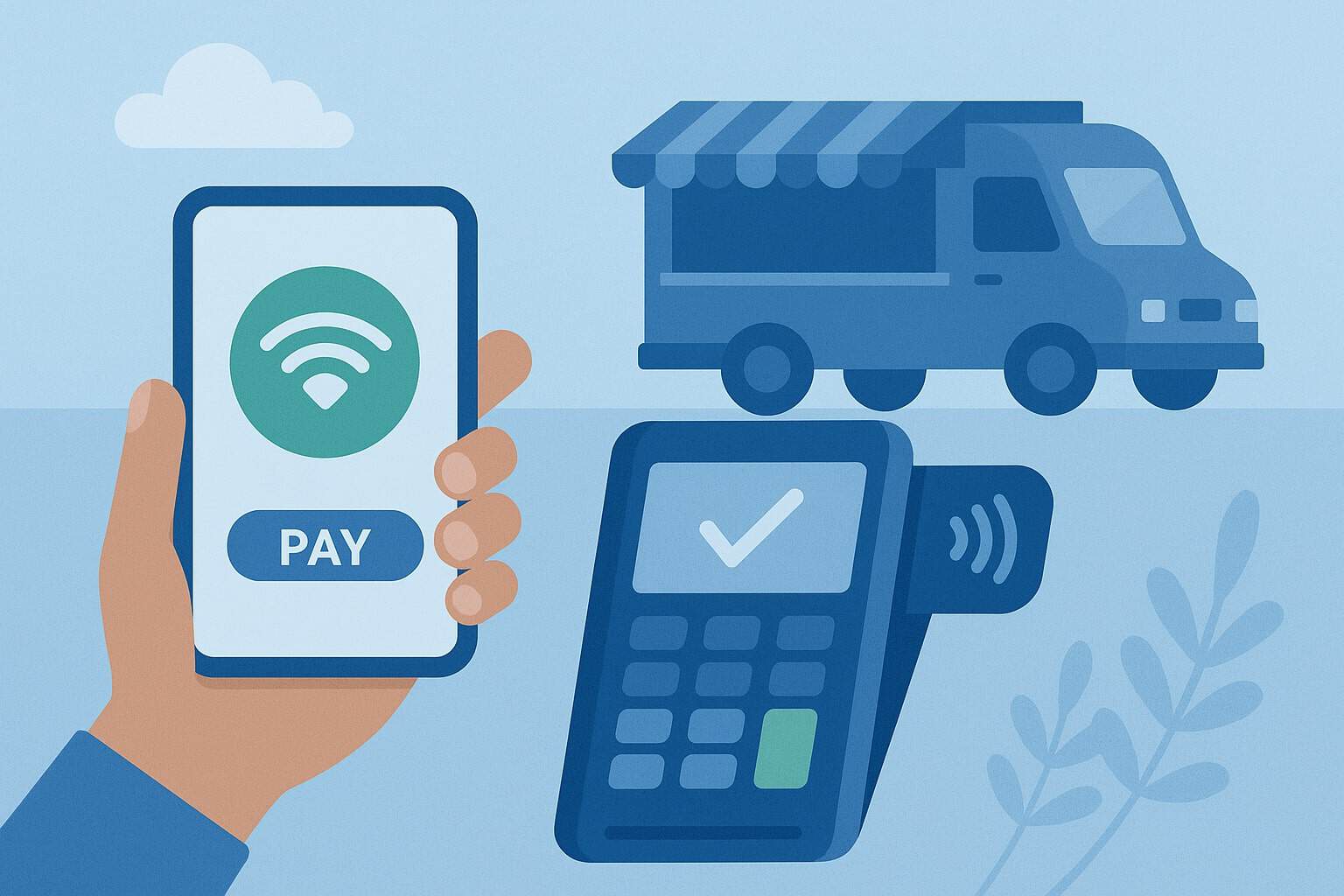
Nashville is a city of festivals, food truck rallies, and bustling weekend markets. If you’re a vendor or food truck operator, the right mobile payment setup can be the difference between long lines and lost sales—or fast checkouts and repeat customers.
Today’s customers expect to tap, dip, or scan and be on their way. For you, that means adopting mobile payment options for Nashville vendors and food trucks that are secure, fast, and simple for staff to use. It also means choosing tools that help with sales tax, tipping, inventory, and offline acceptance when cell signal drops at a crowded event.
In this guide, you’ll learn how to choose a payment stack that fits your menu, your average ticket size, and your event schedule—without overpaying for hardware or monthly fees. We’ll cover tap-to-pay on iPhone and Android, all-in-one handhelds, QR ordering, and text-to-pay.
We’ll also explain how to stay compliant with Tennessee sales tax rules and Metro Nashville’s vending programs. By the end, you’ll have a practical, up-to-date playbook to accept cards and wallets anywhere your truck or tent sets up across Davidson County and beyond.
The 2025 Landscape: What’s New and What’s Changed
Mobile payments changed quickly, and 2025 brought meaningful updates for vendors and food trucks. First, Tap to Pay on iPhone and Android is now widely supported by major processors and POS apps, letting you accept contactless cards and mobile wallets with nothing but a compatible phone.
That’s huge for pop-ups and second lines at the window when the card reader is busy. Square and Stripe both support tap-to-pay on iPhone; Square also supports tap-to-pay on Android, so your team can accept payments without extra hardware when lines swell.
Second, Davidson County’s total rate on most retail sales is now effectively 9.75% (7.0% state + local/surcharge to 2.75% effective February 1, 2025). If your POS still assumes the older 9.25% total, update your tax settings immediately to avoid under-collecting tax at events.
Third, Nashville is formalizing its Mobile Food Vendor permitting—transitioning from a pilot program to a permanent NDOT-administered process. If you sell in the public right-of-way, check the latest NDOT permitting details before your next event, especially if you’ve relied on the pilot rules in past seasons.
Finally, device options are expanding. Portable, all-in-one handheld POS devices with tap, chip, and barcode scanning are more affordable, giving trucks the speed of a fixed counter with the flexibility to step into the line for line-busting. Square’s 2025 handheld launch illustrates how fast this category is evolving.
Nashville Compliance Basics: Sales Tax, Permits, and Receipts
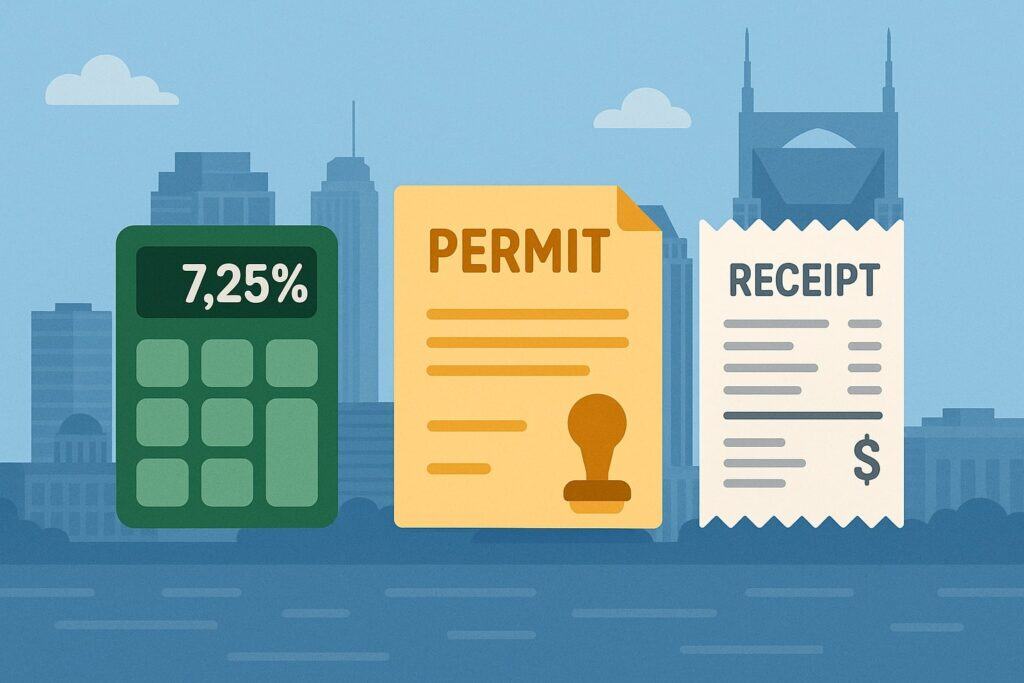
For mobile payment options for Nashville vendors and food trucks, compliance isn’t optional—it’s built into your checkout flow. In Tennessee, you must register for sales and use tax and collect the proper rate at each sale.
Registration is handled by the Tennessee Department of Revenue; once approved, you’ll file and remit on the schedule the state assigns you.
Make sure your POS is configured to calculate the current combined rate for Davidson County events, which, as of February 1, 2025, yields a 9.75% total for most retail transactions. Keep your proof of registration handy at events and train staff to handle tax-inclusive (or tax-exclusive) pricing consistently.
If you’re vending in the public right-of-way in Nashville, review the NDOT Mobile Food Vendor program for license and placement rules.
Health permitting for mobile food establishments is separate—ensure your health inspections, commissary agreements, and labeling rules are in place for your concept, whether you sell hot food, packaged goods, or beverages. This protects your business and reassures event organizers that your operation meets Metro expectations.
Receipts matter too. Nashville’s market and festival shoppers often submit receipts for work travel or per diems. Your POS should automatically email or text receipts and store them for audits. If you collect tips, confirm tip prompts appear post-total and that your refund policy is printed on the receipt to reduce chargebacks.
Tap to Pay on iPhone: Ditch the Reader, Keep the Speed
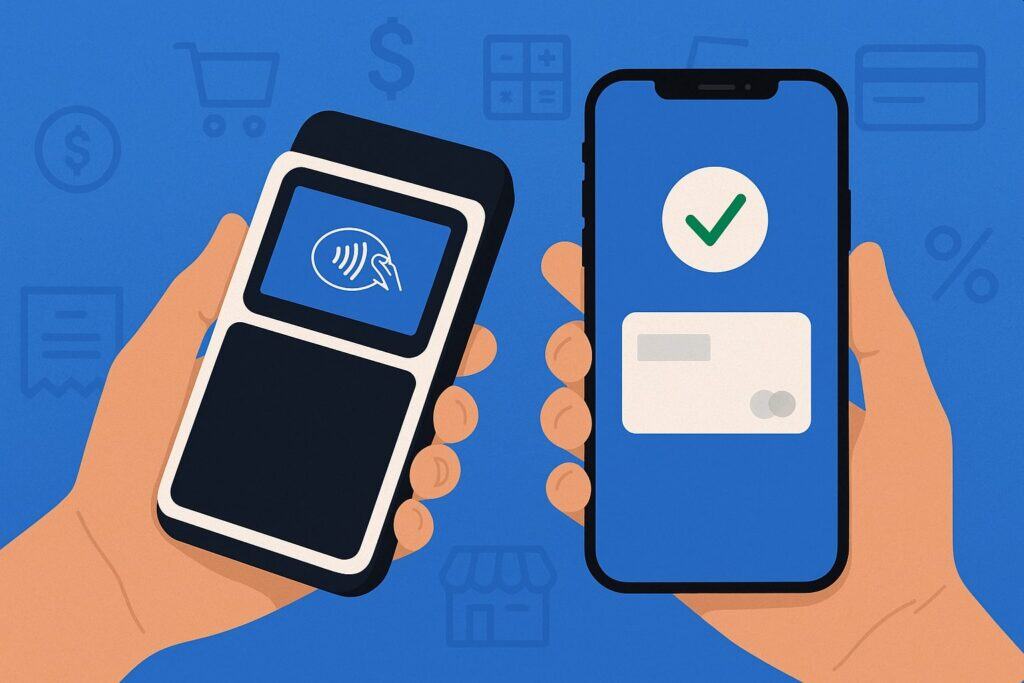
Tap to Pay on iPhone turns compatible iPhones into secure NFC terminals—no external reader needed. For mobile payment options for Nashville vendors and food trucks, this is a game-changer when your primary reader goes down, the battery dies, or the line doubles after a big concert lets out.
With supported apps (e.g., Square POS, Stripe Terminal partners), staff simply key in the amount or pick items from the register, present the phone to the guest, and the guest taps their card, Apple Pay, Google Pay, or Samsung Pay. Tips, taxes, and receipts run like any other sale.
Operationally, deploy tap-to-pay to line-bust and take payments from customers still in line while the window continues serving. You’ll shorten waits and capture add-on sales. Equip staff with battery packs and belt clips, and set a rule for when to switch from tap-to-pay to a full reader (e.g., for magstripe fallback or manual entry in edge cases).
For security, Tap to Pay on iPhone follows Apple’s and your processor’s encryption requirements. You still need PCI-compliant practices—unique logins, locked devices, and a clear process to avoid mistaken orders.
In crew training, emphasize how to hold the device, where to present the tap target, and how to confirm the last four digits when needed. This will keep your acceptance smooth at night markets and packed food truck parks.
Tap to Pay on Android: Flexible, Affordable, and Team-Friendly
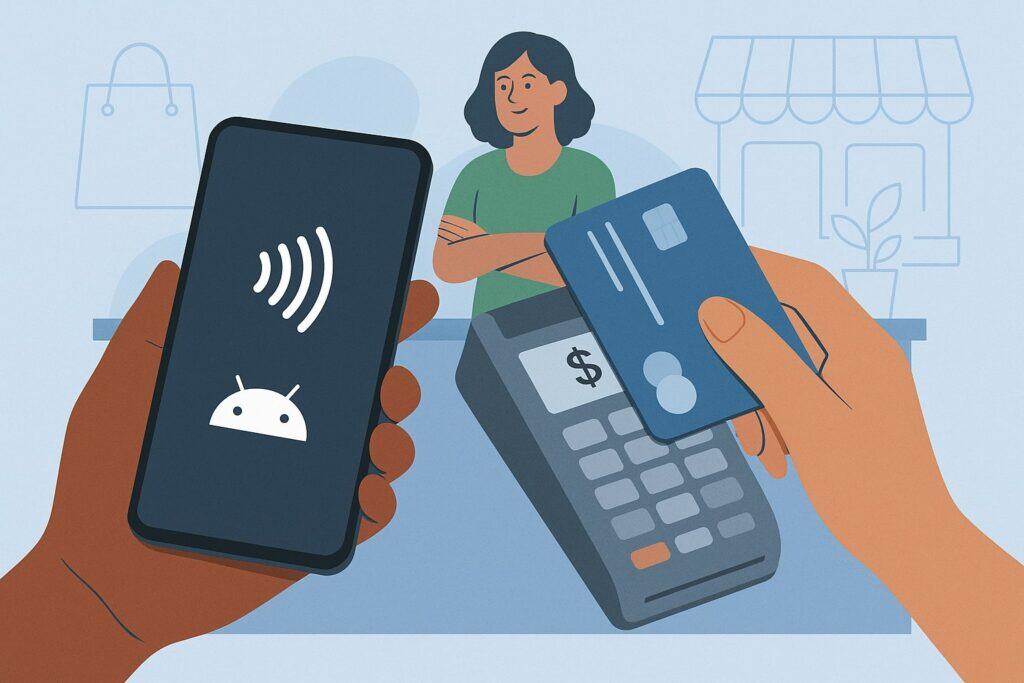
If your crew uses Android, Tap to Pay on Android provides the same “no extra hardware” superpower. Using a compatible Android phone with NFC and a supported app (e.g., Square), your team can accept contactless cards and wallets anywhere around the truck or booth.
This is ideal for multi-window trucks, satellite drink stations, and roaming runners during lunch rushes downtown or at a Titans pre-game tailgate.
From a cost perspective, Android tap-to-pay reduces upfront hardware spend and lowers loss risk since you’re not juggling extra readers. It’s also an easy way to add “backup acceptance” to your disaster plan—if your primary POS or hotspot has issues, a manager’s phone can keep sales flowing.
For best results, check your devices for NFC support, keep OS versions current, and standardize the acceptance flow so every staffer uses the same steps for amounts, tipping, and issuing refunds.
To boost conversion, configure smart tip screens tuned to your average ticket and neighborhood. Festival guests tip differently than office-park lunch crowds. Create profiles in your POS so tip suggestions update automatically when you switch locations.
Handheld POS Terminals: Speed, Scanning, and Line-Busting in One
All-in-one handheld POS devices combine card acceptance (tap/chip), barcode scanning, cameras for item lookup, and all-day batteries. For food trucks and vendors, these terminals are ideal when you need durability, offline-mode resilience, and a dedicated device that won’t be interrupted by texts or calls.
In 2025, these devices are slimmer and cheaper, helping small teams move faster during peak demand. For example, Square launched a $399 handheld that supports tap-to-pay, inventory scanning, and industry-specific POS modes—useful for quick-serve menus and merch tables at the same truck.
Choose handhelds when your menu relies on modifiers (protein choices, add-ons) and barcoded beverages. Scanning reduces order errors and keeps the line moving when it’s noisy.
For outdoor use, prioritize IP-rated splash resistance and swappable batteries. Pair devices with rugged cases and grip straps so staff can safely take orders curbside during busy evenings in The Gulch or at Centennial Park festivals.
Finally, ensure your handheld POS talks to your kitchen printer or KDS, so orders fire instantly. If you run a second tent for drinks or desserts, configure item routing so each station sees only what they need.
QR Codes, Order-Ahead, and Text-to-Pay: More Ways to Move the Line
Not every guest wants to tap a card. QR code menus with order-ahead can thin lines and free your window for pickup. You print a static QR code that links to your menu; guests order from their phones, pay with cards or wallets, and get a pickup text when the order’s ready.
For mobile payment options for Nashville vendors and food trucks, QR ordering is perfect at crowded events where it’s hard to hear and the sun glares on the screen.
Text-to-Pay helps with catering deposits, custom orders, or when the guest forgot a wallet. You send a secure link by SMS; they pay from their phone in seconds. This feature is also useful if a card was declined and the customer needs time to resolve it—text a link and keep the line moving.
To deploy these channels, configure your POS to consolidate orders from QR and in-person checkouts, so your KDS stays organized. Make sure tipping prompts appear in the mobile flow just like at the window.
Use throttling controls during peak hours to cap order-ahead timing so walk-up guests aren’t waiting behind a backlog of app tickets. For Nashville’s event-heavy weekends, publish a simple banner—“Pickup at the red flag by the stage”—to reduce congestion around the window.
Connectivity, Offline Mode, and Power: Keep Selling When the Signal Drops
Crowded festivals can strain cellular networks. Your payment plan should assume that the signal will fail at least once during a busy season.
Choose a POS with a robust offline mode that stores encrypted transactions and auto-retries when the connection returns. Practice the offline playbook with your team: confirm receipts, set offline limits, and capture a phone number for high-ticket orders.
For connectivity resilience across Nashville’s parks and venues, carry dual hotspots with different carriers and keep your phone ready to tether. Place hotspots away from the griddle and inside the cab when possible to reduce interference and overheating. Mount external antennas if your route includes rural events beyond Davidson County.
Power is part of payments too. Equip your truck with USB-C multi-chargers, extra cables, and a small UPS so a brief generator hiccup doesn’t reboot your POS during a rush.
For tent vendors, a compact power station can keep handhelds and a receipt printer running all day. The goal is simple: your mobile payment options for Nashville vendors and food trucks should stay online, even when the network won’t.
Pricing, Fees, and the Nashville Reality: Control Your Costs
Most mobile processors charge flat transaction rates for in-person sales and higher rates for keyed or online payments. For trucks with low average tickets, even a few tenths of a percent matter.
Run the math on your actual mix—contactless, chip, QR, text-to-pay—and negotiate where you can. If you accept many rewards cards or corporate cards, watch your effective rate closely.
Consider your hardware strategy: tap-to-pay on phones keeps upfront costs low; all-in-one handhelds raise speed and professionalism. If you do both, map which roles use which tools (e.g., window uses handheld; runners use tap-to-pay). This limits how many devices you buy while maintaining redundancy.
Be thoughtful about surcharging or cash-discounting. Card-network rules are strict on signage, caps, and disclosure, and local expectations vary.
When in doubt, talk to your processor about compliant programs and test guest response at weekday lunches before rolling out at festivals. Keep a small cash float and accept exact cash where feasible; it keeps lines moving when someone’s card wallet is on a dead phone.
Building Your Ideal Stack: From Single Window to Multi-Station
Every truck or tent is different, but the best mobile payment options for Nashville vendors and food trucks usually share a pattern:
- Primary POS at the window with item modifiers, taxes, tipping, and kitchen printing.
- Secondary acceptance via Tap to Pay on iPhone/Android for line-busting or a second line.
- Order-ahead/QR for crowded events and repeat lunch crowds.
- Back-office tools for menu updates, tax reports, and payout reconciliation.
Start by mapping your order flow: where orders begin, how they’re paid, and where they’re fulfilled. Next, list the must-have integrations: inventory, timecards, loyalty, and accounting. Then choose hardware to match peak volume—not your slowest day. In Nashville’s event season, peak lines define your needs.
Finally, test your stack at a low-risk event. Turn on simulated offline mode. Practice refunds, voids, and reprints. Verify that receipts show your DBA, truck name, and contact info. The smoother your checkout, the more orders you can serve before the headliner goes on stage.
Tennessee Sales Tax and Nashville Add-Ons: Configure It Right
Correct tax configuration is essential to mobile payment options for Nashville vendors and food trucks. In 2025, Davidson County voters approved an increase to the local portion, taking the local rate to 2.75% (combined total 9.75%) effective February 1, 2025.
Update your POS tax tables and verify that product categories (prepared food, bottled drinks, merch) are mapped correctly so the right rate applies to each item. If you cross county lines, set up location-based tax profiles and switch them in your POS when you roll to Williamson, Rutherford, or Sumner County gigs.
If you’re new, register with the Tennessee Department of Revenue for a sales and use tax account before your first event. Your processor’s reports should give you gross, tax collected, tips, and refunds by date, making filing simpler. Keep copies of amended returns and event schedules to reconcile to your POS totals.
For ecommerce add-ons (selling sauces or merch online), confirm whether marketplace rules or remote-seller thresholds apply.
If you primarily sell in-person within Tennessee, your standard registration covers most needs; if you expand online out of state, review destination-based tax rules for those states. (Tennessee’s remote-seller threshold guidance is published by the Department of Revenue.)
Security, PCI, and Chargeback Prevention on the Go
Security travels with you. Use unique logins for each staffer so refunds and voids are traceable. Turn on two-factor authentication for your POS and processor dashboards. Lock devices when not in use and keep readers out of public reach.
For chargeback prevention, keep clear receipts with item detail, time stamps, and your truck name. Add “pickup name” fields to tie orders to customers.
For custom and catering orders, use text-to-pay invoices with itemized details and an agreed pickup window. If a guest disputes a charge after a busy concert night, your documentation and photos of the pickup setup can help your case.
Regularly review settlement reports and match payouts to bank deposits. Pay attention to delayed or held funds after unusually large events; processors may run extra checks. Keep your legal entity, bank account, and contact info current so risk reviews don’t disrupt weekend sales.
Staffing and Training: Turn Every Crew Member into a Cashier
Great payment flows are learned. Build a short line-busting playbook that explains how to open a ticket, apply a modifier, accept tap, and text a receipt—step by step. Record a 5-minute screen capture staff can rewatch before a shift. Include the offline checklist so the first person to see “no signal” knows what to do.
Teach tip etiquette: present the device without commentary, step back, and let the guest choose. Configure tip defaults that match your service style; test 15/18/22 vs. 18/20/25 and measure changes in acceptance.
Finally, cross-train. Your runner should be able to open a new station with Tap to Pay on iPhone or Android in under 60 seconds. When the line extends past your chalkboard menu at Assembly Food Hall, that flexibility keeps throughput high. Mobile payment options for Nashville vendors and food trucks work best when every crew member can accept a card anywhere.
Marketing and Loyalty: Turn One Tap into Repeat Business
Payments aren’t just about collecting money; they’re about the next visit. Use your POS to capture opt-in emails and SMS from receipts so you can announce where you’ll be each weekend. Offer a digital punch card or birthday reward through your POS’s loyalty add-on.
For merch and sauces, include a QR code on your to-go packaging that links to your online store. If you cater offices downtown, create a saved payment profile (with consent) for repeat orders to speed up checkout on delivery.
Finally, track item-level performance by venue and time. Nashville crowds differ by neighborhood and event. The items that sell out at Live on the Green may not be the top movers at a suburban brewery. Your payment and POS reports will tell you what to prep more of—and what to retire.
Recommended Setups (By Budget and Speed)
Starter (ultra-lean):
- Tap to Pay on iPhone or Android only; no extra reader.
- One hotspot, one battery pack, text/email receipts.
- Ideal for low volume pop-ups and farmers markets.
Balanced (most trucks):
- One handheld POS at the window + Tap to Pay on crew phones for line-busting.
- QR order-ahead for peak hours; KDS or kitchen printer; dual hotspots.
- Best for busy lunch service and weekend festivals.
High-throughput (events & stadium days):
- Two handhelds + one fixed tablet stand; dedicated KDS; offline mode configured.
- Stanchions for pickup, clear signage, and SMS order-ready alerts.
- Inventory scanning for packaged drinks and merch.
Nashville-Specific Checklist (Print This Before Your Season)
- Update Davidson County tax rate to reflect the effective 2025 total and verify product mappings.
- Confirm NDOT/Metro Nashville vending permits for right-of-way locations; keep health permits current.
- Test Tap to Pay on your team’s iPhones/Androids and verify device compatibility.
- Configure offline mode limits and train the crew on the fallback flow.
- Carry dual hotspots with different carriers; place them away from heat and metal.
- Standardize tip prompts, receipt settings, and refund permissions.
- Reconcile daily: gross, taxes, tips, refunds, and payouts matched to the bank.
FAQs
Q.1: What’s the current sales tax I should collect in Nashville (Davidson County)?
Answer: For most retail transactions, configure your POS for a combined total of 9.75% for Davidson County as of February 1, 2025 (7% state + local/surcharge to 2.75%). Always verify special items and exemptions with your tax advisor.
Q.2: Can I accept payments with just my phone?
Answer: Yes. Use Tap to Pay on iPhone or Tap to Pay on Android with a supported app. It works with contactless cards and mobile wallets, and it’s perfect for backups and line-busting.
Q.3: Do I still need a card reader?
Answer: Not strictly, but many trucks keep one handheld reader for chip fallback, faster throughput, and durability in heat, cold, and rain. Consider at least one dedicated device plus tap-to-pay on crew phones.
Q.4: What permits do I need to sell on city streets?
Answer: If you operate in the public right-of-way, review NDOT’s Mobile Food Vendor program details and any updates as the pilot transitions to a permanent program. Health permits are separate and required for food operations.
Q.5: How do I register to collect Tennessee sales tax?
Answer: Register with the Tennessee Department of Revenue online, then configure your POS to collect the right rate for each county where you sell. Keep your filings on schedule.
Q.6: What about remote-seller rules if I ship sauces or merch?
Answer: If you sell online to other states, you may trigger remote-seller thresholds elsewhere. For Tennessee guidance on remote sellers, see the Department of Revenue’s published threshold rules. Consult your tax professional for multi-state obligations.
Q.7: Which is better for a food truck: QR ordering or in-person checkout?
Answer: Use both. QR/order-ahead absorbs overflow during peak hours, while in-person checkout handles fast, simple tickets. The winning setup is line-busting with tap-to-pay plus a window device for complex orders.
Q.8: How do I prevent chargebacks at festivals?
Answer: Issue detailed receipts, capture a name on pickup orders, and use text-to-pay invoices for deposits. Photograph your pickup area signage at large events—you’ll want that context if a dispute arises.
Q.9: What hardware should I buy first if I’m on a tight budget?
Answer: Start with Tap to Pay on a compatible phone to avoid upfront hardware spend. Add a rugged handheld POS when volume grows or you need barcode scanning for beverages and merch.
Conclusion
Nashville’s food scene moves fast. To keep up, your mobile payment options for Nashville vendors and food trucks should be fast to deploy, easy to scale, and rock-solid under pressure.
In 2025, you can accept contactless payments with nothing but a phone, line-bust with handhelds, and deflect congestion with QR ordering. Configure your tax rates accurately, stay current on NDOT and health rules, and train every crew member to take payments anywhere around your truck or tent.
Focus on resilience—offline mode, dual hotspots, and spare power—and on guest experience—clear tip prompts, instant receipts, and simple refunds.
When your payment flow feels effortless, lines move, tickets rise, and guests come back next weekend. Build your stack now, test it at a low-risk event, and you’ll be ready for every festival, market, and concert night Music City can throw at you.