By alphacardprocess November 14, 2025
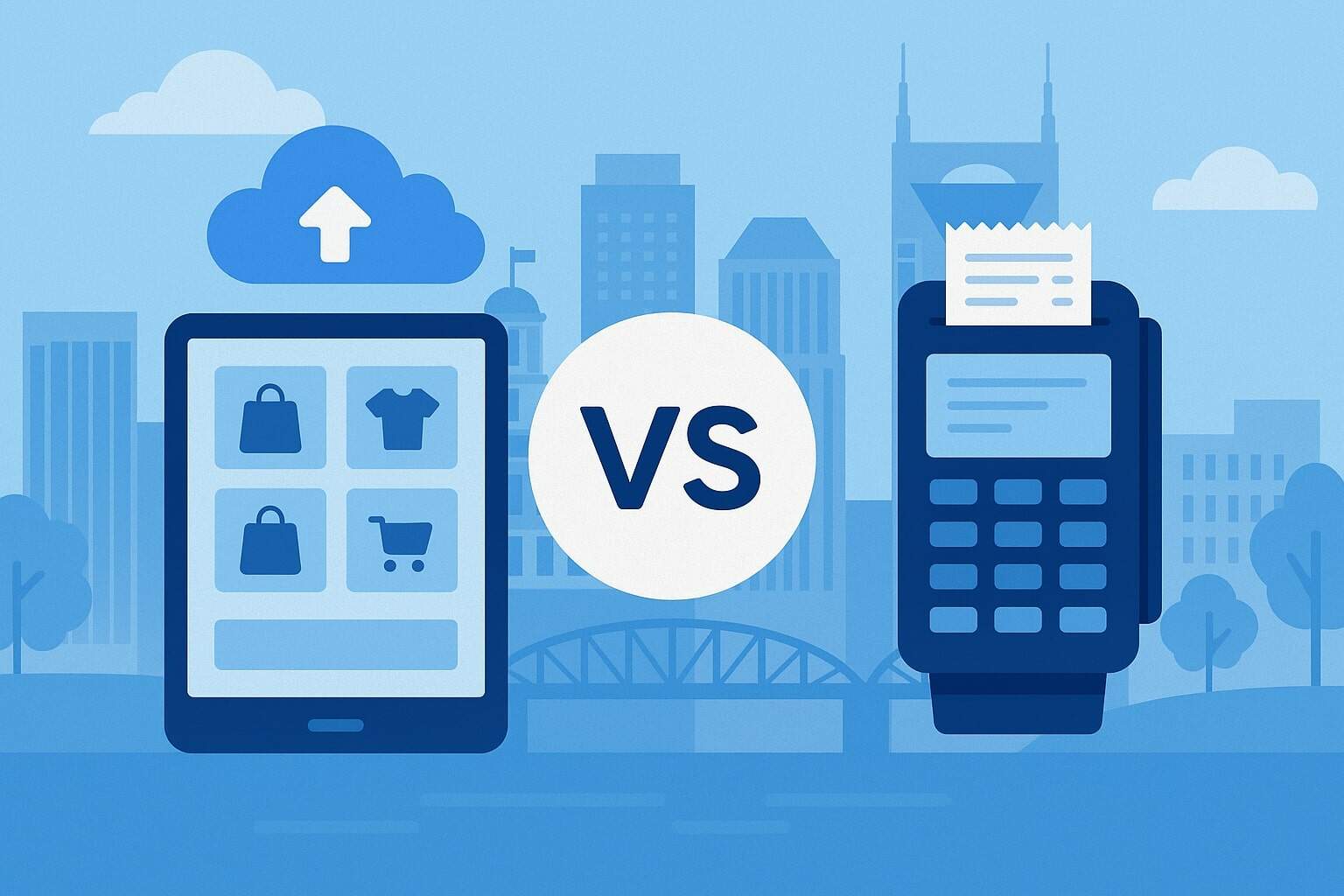
Choosing between Cloud POS vs. Traditional POS isn’t just a tech decision—it’s a growth decision with real impact on margins, labor efficiency, and customer experience across Nashville’s restaurants, boutiques, salons, and mobile vendors.
Tourism keeps foot traffic humming on Broadway, events spike demand at unpredictable hours, and local shoppers expect tap-to-pay, curbside pickup, and digital receipts. In this environment, a point-of-sale system influences everything from table turns and tip distribution to inventory accuracy and chargeback defense.
The right system also supports omnichannel sales—vital if you sell online during slow seasons or run pop-ups during festivals. This guide breaks down Cloud POS vs. Traditional POS, focused on Nashville realities: connectivity options, shift staffing, multi-location growth to Franklin or Murfreesboro, and seasonal cash-flow.
You’ll learn costs, features, security, and migration steps, plus an industry-by-industry analysis. By the end, you’ll have a practical framework and checklist to decide confidently which POS is best for your business today—and flexible enough for where you’re headed tomorrow.
POS Models and what they mean for Nashville
At its core, a point-of-sale system records sales, accepts payments, tracks taxes, and produces analytics. The architectural choice—Cloud POS vs. Traditional POS—determines how software is delivered, where data lives, how quickly you get updates, and how you expand to a second location in East Nashville or a weekend kiosk at a market.
Traditional POS runs on local servers or “back-office PCs,” often with on-prem databases and thick-client software. Cloud POS runs via the internet (browser or app), syncing data to secure data centers and pushing updates automatically.
If you’ve ever waited for a vendor to roll a cart into your store and install patches, you’ve met traditional POS. If you’ve logged into a dashboard from home to change a price or add a menu item, you’ve experienced cloud.
Nashville owners should assess: internet reliability, staff training time, integration needs (accounting, scheduling, delivery apps), and total cost of ownership over 3–5 years. Each model can accept cards, contactless, and EMV chip; the difference shows up in flexibility, speed of change, reporting quality, and the hidden costs of maintenance and downtime.
What is Cloud POS?
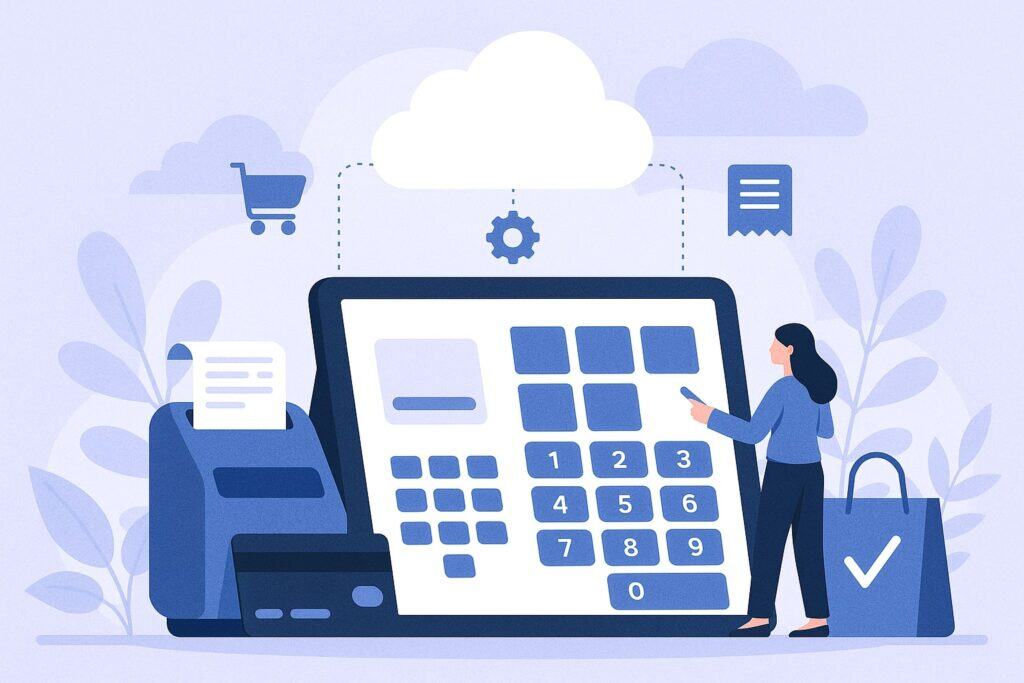
A Cloud POS is software delivered over the internet with data stored in secure cloud infrastructure. Terminals are usually iPads, Android tablets, or lightweight all-in-one smart terminals.
You access a web portal or app from anywhere—great for managers who bounce between a SoBro bar and a Hillsboro Village café. Updates, new features, and security patches arrive automatically without onsite visits.
Because everything syncs in near-real time, inventory, pricing, loyalty points, and staff permissions remain consistent across locations. Cloud POS shines when you launch online ordering, sell gift cards redeemable in-store and online, or spin up a mobile cart at a Titans game.
It typically supports app-store style integrations: accounting (QuickBooks, Xero), scheduling (7shifts, Homebase), delivery (DoorDash, Uber Eats), and CRM/loyalty tools. For Nashville businesses, cloud’s remote management is a lifesaver during event surges—you can add happy-hour buttons or adjust combo pricing mid-shift.
Concerns usually center on internet dependency and recurring subscriptions; however, modern Cloud POS often includes offline modes, cellular failover options, and transparent monthly pricing that bundles software, support, and compliance into a predictable operating expense.
What is Traditional POS?
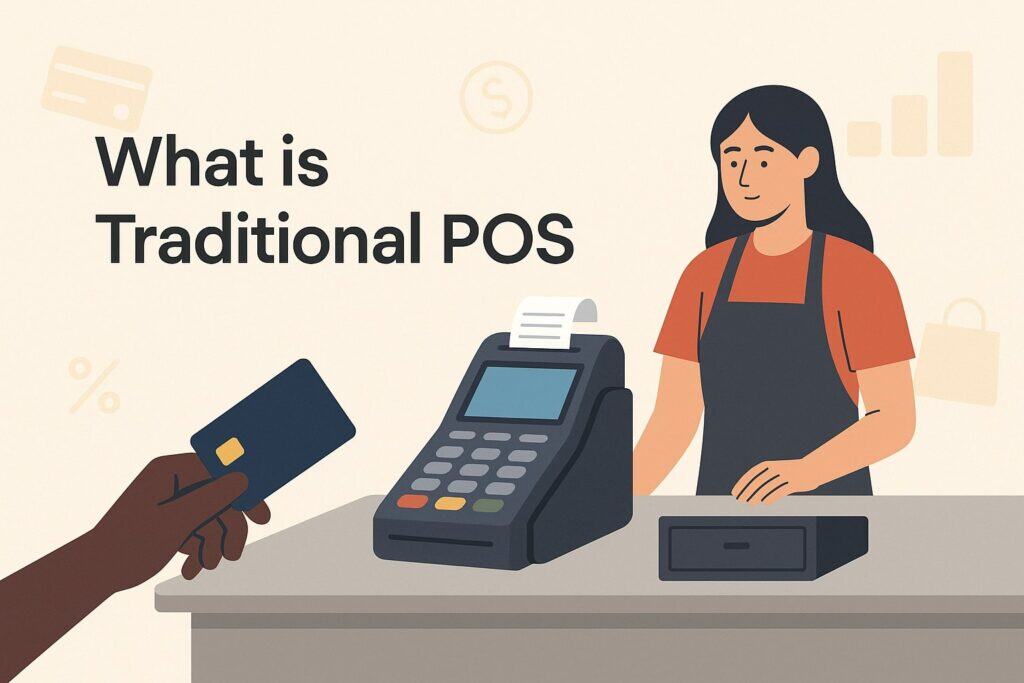
Traditional POS (also called legacy or on-prem) runs on local Windows or proprietary hardware with a server in the back office. You purchase perpetual licenses, pay for annual support, and schedule in-person upgrades.
Many Nashville operators grew up on these systems—they’re familiar and can be extremely stable in environments with fixed menus and minimal change. Local processing means less reliance on the internet for core operations, although card authorization still benefits from stable connectivity.
Customizations are done through vendor service calls; integrations can require middleware or paid connectors. Backups, antivirus, and database maintenance are your responsibility or your vendor’s—budget for that.
Traditional POS can be the right fit if you have complex kitchen routing with decades of workflow tuning, highly specialized peripherals, or regulatory add-ons built around that system. Downsides include slower innovation cycles, higher upfront costs, more downtime risk during updates, and limited remote access.
Expanding to new Nashville neighborhoods or adding a pop-up for CMA Fest can be cumbersome because each site may need more hardware, local configuration, and separate data sync processes.
Key differences that matter for Nashville owners
When comparing Cloud POS vs. Traditional POS, focus on outcomes: speed to serve, staff training, real-time visibility, and cost per month per location. Cloud systems typically reduce deployment time from weeks to days and allow managers to edit menus from home.
Traditional systems may feel more “set-and-forget,” but change management is slower and support can be tied to office hours. Consider Nashville’s event-driven surges; you’ll want dynamic pricing buttons, mobile terminals for sidewalk lines, and immediate modifiers for limited-run items.
Physical space also matters—cloud hardware tends to be smaller and more aesthetic for boutique environments. For reporting, cloud analytics often include multi-location rollups, hourly product mix, and labor-to-sales ratios you can check from your phone. Traditional reporting is powerful but less accessible remotely.
Finally, think about long-term flexibility: if you plan to add catering, e-commerce, or curbside, cloud’s native integrations remove friction. If you’re confident your operations will remain static and you prize deep custom printer/kitchen routing that’s already dialed in, traditional can still win.
Total cost of ownership in Nashville (CapEx vs. OpEx)
Traditional POS usually begins with a larger upfront investment: servers, terminals, Windows licenses, cash drawers, receipt and kitchen printers, sometimes wired networking upgrades, and professional installation.
You also budget for maintenance, support contracts, and paid upgrade cycles. Cloud POS spreads cost as predictable monthly OpEx: software subscription, device rentals or purchase, and payment processing fees.
For a single-location coffee shop in The Gulch, cloud’s lower upfront cost helps preserve cash. For a multi-venue group with standardized legacy hardware already depreciated, traditional could seem cheaper—but factor in future changes, multi-location management overhead, and the labor cost of manual reporting.
When calculating true TCO, include: downtime risk (lost sales during outages), speed of support response, staff training time, integration fees, and the value of real-time analytics.
Over three to five years, many Nashville owners find cloud’s OpEx model offers better agility and a clearer path to ROI, especially when adding a second location or introducing online ordering and delivery.
Setup and deployment speed
Cloud deployments typically take days: provision accounts, connect payment terminals, import items, map taxes, and configure printers. Many vendors provide guided onboarding and remote training, reducing time off the floor.
Traditional POS can require onsite surveys, server installs, and scheduled cutovers—solid for complex builds but slower for small teams. If you’re opening a booth at a Nashville market next weekend, cloud is almost always faster; you can run a compact setup with a smart terminal and mobile hotspot.
If you’re re-platforming a 200-seat restaurant with multiple kitchens, both models require careful staging. The big difference is change management after go-live: cloud lets you refine flows in real time, whereas traditional often requires service tickets.
For seasonal menus or frequent events, the ability to add time-bound buttons, limited items, or bundle discounts without a truck roll is decisive.
Payments acceptance and today’s customer expectations
Nashville customers expect tap-to-pay (NFC), chip (EMV), Apple Pay, Google Pay, and fast digital receipts. Cloud POS vs. Traditional POS both support these, but cloud providers usually release support for new tenders (BNPL, contactless gift cards, QR pay) faster.
If you run a bar on Broadway with high-volume tabs, pre-auth workflows, automatic gratuity for large parties, and card-on-file for repeat regulars can make or break service speed. For boutiques and salons, installment options and stored cards for memberships matter.
Cloud systems often bundle fraud tools, auto-updates for card-brand rule changes, and self-serve chargeback evidence portals. Traditional platforms may rely on your processor’s portal, which can be fine but less integrated with your item-level data.
The closer your POS ties payments to products, modifiers, and staff actions, the easier it is to dispute chargebacks, forecast cash flow, and design profitable promotions.
Compliance, security, and reliability in Tennessee
Security is non-negotiable. Both models must align with PCI DSS for card data handling, and strong vendors employ encryption in transit and at rest, tokenization, and role-based access controls. The difference in Cloud POS vs. Traditional POS is who does the heavy lifting.
Cloud vendors manage patching, vulnerability scanning, and intrusion monitoring centrally; traditional installs put more of that burden on your local environment and service partner. For Nashville shops that don’t keep an IT staff, shifting security maintenance to a provider reduces risk. Reliability is a mix of internet resilience and local power.
Cloud systems need stable connectivity for real-time features; choose a vendor with robust offline mode and automatic queueing of transactions. Consider a dual-WAN router, fiber as primary, and 5G cellular backup—especially if you serve late hours when support is limited.
For storms or event-related congestion, having battery backups (UPS) on routers and critical terminals keeps lines moving. Access control is also key: use unique logins with PINs, manager approval workflows, and audit logs that make investigations faster when shrink or void abuse is suspected.
PCI scope, tokenization, and P2PE
A practical advantage of modern cloud platforms is reduced PCI scope through point-to-point encryption (P2PE) and tokenization. Card data is encrypted at the reader and never hits your tablet or back office in plain text.
Tokens let you store “cards on file” for tabs, subscriptions, or future orders without retaining raw PAN data. Traditional systems can absolutely be configured this way too, but you must verify certified devices, correct firmware, and processor support.
Ask every vendor for their PCI Attestation of Compliance (AOC) and how their setup affects your Self-Assessment Questionnaire (SAQ) type. In both Cloud POS vs. Traditional POS paths, choose EMV/contactless readers from reputable manufacturers, keep firmware current, and train staff to avoid manual card entry whenever possible.
This improves security and reduces interchange downgrades. Finally, ensure your refund and void permissions require manager approval and that you enable two-factor authentication on the POS back office, especially for remote access.
Outages, offline mode, and failover
No system is immune to outages; the question is how gracefully you operate when it happens. For cloud, demand a proven offline mode that stores transactions locally and auto-syncs when the network returns.
Confirm how long offline can run, which tenders are supported, and whether tips and discounts still apply. For traditional POS, ask how card authorizations are handled if your processor’s host is unreachable and whether you can set floor limits for “force” approvals.
In Nashville, big events can saturate cellular networks; build redundancy with business-grade fiber plus a separate 5G data plan. Keep a printed “offline playbook” at each till: how to open cash drawers, handwrite backup receipts, and later reconcile.
Test this twice a year. Whether you choose Cloud POS vs. Traditional POS, resilience planning protects your brand during crunch time when a packed house expects fast service.
Features that move the needle by industry
Feature checklists are everywhere, but your revenue drivers aren’t generic. This section translates POS capabilities into Nashville realities—where tourism meets loyal local traffic, and weekends can make your month.
Restaurants, bars, and music-row venues
For full-service restaurants and busy bars, Cloud POS vs. Traditional POS often comes down to service speed, kitchen communication, and tab management. Cloud excels with mobile order-at-table, QR menus tied to servers, dynamic happy-hour pricing, and real-time menu 86ing across all stations.
KDS (kitchen display systems) reduce ticket clutter and let you track prep times by station. For multi-bar venues, you’ll want pre-auth tabs, card-on-file, easy tip adjustments, and pooled vs. individual tip models. Traditional POS can be battle-tested for complex routing and legacy printer maps—great if your workflow is deeply tuned and stable.
But if you frequently host events, rotate seasonal cocktails, or add live-music cover charges, cloud’s agility pays dividends. Integrations with reservation and waitlist apps, delivery marketplaces for late-night wings, and loyalty systems that reward locals between tourist waves are easier to stand up in cloud ecosystems.
Retail boutiques and specialty shops
Nashville retail thrives on curation and storytelling. Cloud POS brings unified inventory for multi-location boutiques, handheld checkout for sidewalk or trunk shows, and clienteling tools like purchase history and wish lists.
Built-in loyalty, gift cards redeemable online/in-store, and SMS receipts with product recommendations lift repeat visits. If you run a custom merch store near the stadium, real-time stock visibility prevents overselling during game days.
Traditional POS can support deep SKU catalogs and label printers just fine; the key difference is how fast you can spin up a pop-up or add an online catalog. With cloud, launching a small e-commerce storefront or Instagram-shop integration is typically faster.
For pricing strategy, use automated promotions (BOGO, mix-and-match, bundles) and schedule them around event calendars. Barcode scanning, inventory cycle counts, and low-stock alerts are baseline; the win is putting those tools in managers’ hands on mobile so they adjust before a line forms.
Salons, spas, and studios
Appointment-driven businesses need integrated booking, memberships, packages, and tip workflows that feel natural to stylists and clients. Cloud POS platforms often bundle calendar integrations, text reminders, staff commission tracking, and stored cards for no-show fees or memberships.
If you’re expanding from a single salon in Green Hills to a second in East Nashville, cloud’s centralized client profiles and memberships reduce friction. Traditional POS can be bolted to third-party schedulers, but syncing packages and balances may be clunky.
Look for features like stylist-specific pricing, retail add-on prompts at checkout, and tip suggestions that comply with card-brand rules. Reporting should show utilization by chair, rebooking rates, and product attach rates—metrics that raise revenue without adding more chairs.
Food trucks, caterers, and market vendors
Mobile sellers are everywhere in Nashville—from farmers markets to concerts. The mobile use case strongly favors cloud: compact terminals with built-in LTE, offline acceptance, simple menu buttons, and quick tip prompts keep lines moving.
You can route tickets to a small KDS or receipt printer in a trailer. Inventory syncs back to the commissary kitchen, and your dashboard shows sales by shift and location. Traditional POS can work, but the power and space requirements make it harder.
If you occasionally do high-volume festivals, rent extra cloud terminals for the weekend and copy your menu in minutes. Pro tip: use location-based tax settings and geofenced menus so staff don’t accidentally sell items you didn’t bring to that event.
Integrations: accounting, staffing, delivery, and CRM
Integrations are where cloud ecosystems shine. Accounting sync to QuickBooks/Xero, timekeeping to Homebase/7shifts, and delivery to DoorDash/Uber Eats reduce manual entry and reconciliation errors.
Traditional POS often supports these with middleware, but you may pay for connectors and spend more time managing versions. In Cloud POS vs. Traditional POS, don’t just ask “Do you integrate?”—ask how data maps: item-level vs. summary journal entries, tip handling, gift card liabilities, and batch timing.
Your accountant in Nashville will thank you if deposits, fees, and chargebacks post cleanly with clear references. For CRM, cloud platforms often include built-in loyalty, email/SMS campaigns, and segmentation (locals vs. tourists).
If you already have a marketing stack, confirm open APIs or native connectors so you can automate win-back campaigns, birthdays, and VIP perks.
Omnichannel: unifying in-store and online
Consumers expect to start a purchase on their phone and finish in your store—or the reverse. Cloud POS typically offers native online ordering, catalog sync, curbside pickup workflows, and shipping from stores.
If a tourist buys a hat online after a show, you want inventory to decrement correctly at the store that ships it. Traditional POS can do omnichannel but often relies on extra servers or third-party platforms.
Evaluate how returns work across channels, how gift cards redeem everywhere, and whether promotions remain consistent.
For restaurants, make sure dine-in prices and third-party delivery prices can differ when needed, and that you can throttle orders during rush. For boutiques, reserve-in-store and SMS pickup alerts make service feel premium without extra staff.
Hardware: terminals, tablets, and peripherals
Hardware affects aesthetics, counter space, and durability. Cloud POS leans toward iPads, Android tablets, and sleek smart terminals with built-in readers and PIN pads. They’re easy to mount, battery-backed, and portable for line-busting. Traditional POS often uses heavier all-in-one touch PCs with separate card readers and PIN pads—durable, but larger.
In Cloud POS vs. Traditional POS, confirm the peripheral matrix: cash drawers (manual and printer-driven), receipt printers (USB/Ethernet/Bluetooth), kitchen printers or KDS screens, barcode scanners (1D/2D), label printers, and scale certifications if you sell by weight.
For bars and coffee shops, splash-resistant cases and charging cradles matter; for retail, handhelds with integrated scanners speed cycle counts. Choose stands with swivel for customer sign/tip prompts, and ensure ADA-friendly signature options. Keep at least one spare device per location to cover accidents during peak hours.
Printers, scanners, and cash management
Receipt and kitchen printers remain workhorses. Ethernet printers are reliable for kitchens; Bluetooth is fine for countertop receipts if your environment is stable. KDS reduces paper and adds pacing—use bump bars where screens are messy.
For retail, a 2D scanner reads QR codes and mobile wallets. Cash drawers should be heavy-duty with media slots; connect them to printers so they open only on approved tenders. Consider cash recyclers if you manage significant cash volume—they reduce variance and shrink.
In Cloud POS vs. Traditional POS, both can manage peripherals; the key is driver simplicity and remote support. Cloud vendors often auto-detect supported printers and can push configs from the back office, saving you a service call.
Connectivity and networking best practices for Nashville
Your POS is only as good as the network. Use business-grade fiber if available, with a dual-WAN router for cellular failover (separate carrier from staff phones to avoid festival congestion).
Segment Wi-Fi so POS devices sit on a secure VLAN, guests on another, and cameras/IoT on a third. Name SSIDs clearly and hide the POS SSID if possible. Place access points away from microwaves and thick kitchen walls, and survey signal strength before go-live.
UPS battery backups on modem, router, switch, and core terminals provide 30–60 minutes to close tickets during brief outages.
In Cloud POS vs. Traditional POS, cloud needs strong connectivity more consistently; but both benefit from network hygiene: DHCP reservations for printers, static IPs for mission-critical devices, and documented cable labeling. Test offline workflows quarterly and keep laminated quick-start guides at each station.
Migration: moving from traditional to cloud without chaos
If you decide to shift from Traditional to Cloud POS, do it in phases.
- Step one: discovery—export menus/items, modifiers, taxes, discounts, and staff roles. Clean your data; consolidation now prevents mess later.
- Step two: parallel build—recreate your menu in the cloud system, set printer routing/KDS rules, and mirror taxes.
- Step three: pilot—train a core team, run a slow lunch or soft opening using only the new system, and document fixes.
- Step four: cutover—choose a historically slower day, keep legacy terminals nearby as read-only backup, and staff an extra “POS captain” per shift for the first week.
- Step five: iterate—review end-of-day reports, voids, comp reasons, and tip distribution; tweak buttons and prompts to remove friction.
Communicate clearly with staff and customers; small “We’re upgrading to serve you faster—thanks for your patience!” signage turns change into goodwill. With a thoughtful plan, Cloud POS vs. Traditional POS migration feels less like a cliff and more like a well-planned ramp.
When traditional still wins
Cloud isn’t the answer 100% of the time. If you run a high-complexity venue with bespoke kitchen routing, proprietary hardware integrations, or regulatory modules built only for your current platform, traditional may carry the day.
Some operators prefer the perceived control of owning servers and scheduling changes only during maintenance windows. If your location has extremely poor connectivity with no reliable cellular backup—and your operations can’t tolerate any network dependence—traditional can be safer.
Finally, if you’ve heavily customized reports, loyalty, or kitchen flows around a legacy platform and your staff muscle memory is perfect, the change-management cost may outweigh benefits right now. The decision is not ideological; it’s pragmatic. Revisit every 12–18 months, because vendors evolve quickly and what wasn’t possible last year might be turnkey today.
A practical ROI walkthrough
To compare Cloud POS vs. Traditional POS fairly, run a three-year model. Include:
(1) hardware purchase or lease;
(2) software licenses or subscriptions;
(3) payment processing effective rates;
(4) installation and training;
(5) support and maintenance;
(6) downtime assumptions;
(7) integration fees; and
(8) labor savings from faster checkout or fewer manager hours spent on reports.
Example: if cloud line-busting saves two minutes per customer and you process 150 transactions on a Saturday, that’s five extra hours of capacity—often worth another 20–40 transactions at peak, plus higher guest satisfaction and tips.
If better inventory prevents two stock-outs per week, you keep high-margin sales you used to lose. Traditional might win if you already own depreciated hardware and your vendor offers favorable support.
Cloud might win if you plan to add mobile stations for events, a second location, or online ordering within a year. Be honest about your roadmap; the most valuable feature is the one you’ll actually use.
Decision framework and Nashville-ready checklist
Use this checklist to finalize Cloud POS vs. Traditional POS:
- Locations & growth: Are you adding a second site or frequent pop-ups?
- Menu/SKU volatility: Do you change items weekly or monthly?
- Connectivity: Can you get fiber and 5G failover?
- Mobility: Do you need handhelds for patios, lines, or markets?
- Integrations: Accounting, delivery, scheduling—must-have or nice-to-have?
- Reporting needs: Do owners/managers want mobile dashboards nightly?
- Security posture: Who will manage patches and PCI scope?
- Staffing: What training time can you afford during cutover?
- Cash flow: Prefer OpEx predictability or CapEx investment?
- Aesthetics & footprint: Counter space, cable clutter, guest-facing screens.
Score each from 1–5 for importance, and mark which model fits better. The winner isn’t universal; it’s the platform that aligns with your next 18 months, not just today’s needs. Nashville’s rhythm rewards agility—plan for busy seasons, event spikes, and expansion opportunities, and your POS will amplify, not hinder, your growth.
FAQs
Q1: Will a Cloud POS work if my internet goes down during a Saturday rush?
Answer: Yes—choose a Cloud POS with true offline mode that authorizes and queues transactions for later sync. Add dual-WAN with cellular backup and a UPS on your router and switch.
Train staff on offline procedures and test them quarterly. This way, even during a Broadway surge or storm, you keep lines moving and reconcile cleanly after service.
Q2: Are payment processing fees different between Cloud POS vs. Traditional POS?
Answer: Fees depend on your processor, card mix, and pricing model (flat vs. interchange-plus). Many cloud vendors bundle processing, while traditional allows more à-la-carte negotiations.
Optimize by reducing manual keyed transactions, using EMV/NFC, and ensuring item-level data is captured to support chargeback defense and preferred interchange categories.
Q3: Can I keep my existing printers and cash drawers if I switch to Cloud POS?
Answer: Often yes, if they’re supported models with Ethernet or USB. Many cloud platforms auto-detect certain printers and cash drawers via the printer. Make a device inventory before migration and ask the vendor for a compatibility matrix. If replacement is needed, plan it during slow periods and keep one spare unit per location.
Q4: Which is easier for multi-location management across Nashville and nearby suburbs?
Answer: Cloud POS typically wins with centralized menus, price books, staff permissions, and unified reporting. You can push changes to multiple locations and compare performance side-by-side. Traditional can do this with add-ons, but it’s usually more manual and requires more IT support.
Q5: How quickly can I launch online ordering and curbside pickup?
Answer: With Cloud POS, you can usually publish an online menu within days, connect to delivery partners, and route orders to kitchen stations automatically.
Traditional POS may require third-party e-commerce platforms and custom setup. The time savings is significant if you need omnichannel options for event weekends or seasonal demand.
Q6: Is Traditional POS more secure because it’s “local”?
Answer: Local doesn’t automatically mean safer. Security comes from encryption, tokenization, timely patching, and tight access controls. Cloud vendors handle these centrally and deploy patches quickly.
Traditional can be secure, but you bear more responsibility for updates, antivirus, and network segmentation. Choose the model where you can reliably maintain best practices.
Q7: What about gift cards and loyalty—will they work in-store and online?
Answer: Cloud POS often includes unified gift cards and loyalty natively, redeemable across channels. Traditional POS may support this via modules or partners; confirm that balances sync in real time and that issuance/redemption reports reconcile with your accounting. Consistent guest experiences boost repeat visits between tourist peaks.
Q8: How do tips and service charges differ between the two models?
Answer: Both handle suggested tips, pooled/individual tips, and service charges, but cloud platforms tend to ship updates faster when card-brand or state guidance changes. Make sure your POS exports clean tip data to payroll, supports cash and card tip reconciliation, and enforces manager approvals for adjustments.
Q9: Will Cloud POS handle my complex kitchen routing and modifiers?
Answer: Modern cloud systems are surprisingly robust with multi-station routing, KDS, coursing, and modifier groups. If you have unusual flows, request a proof-of-concept build and test a live service. Traditional POS may already match your legacy flows—if the difference is minimal, weigh agility and integrations before deciding.
Q10: What should my training plan look like for a POS switch?
Answer: Adopt a train-the-trainer model: identify shift leads, run sandbox sessions, simulate rush scenarios, and place quick-reference cards at every station. Schedule a soft opening with the new POS, then collect feedback nightly for a week. The goal is confident muscle memory before your busiest nights.
Conclusion
For most growing Nashville businesses, Cloud POS vs. Traditional POS comes down to agility, integrations, and total operational control. Cloud POS usually delivers faster setup, real-time reporting, integrated online ordering, and easier multi-location management—ideal for a city with event-driven spikes, heavy tourism, and entrepreneurial expansion.
Traditional POS still earns its place when you have highly customized workflows, limited connectivity, or sunk investments that truly fit your current operations. Use the ROI model and checklist in this guide to align your choice with your next 18 months of goals, not just today’s status quo.
Whichever model you choose, invest in reliable networking, clear staff training, offline playbooks, and tight security practices. That combination—more than any single feature—will make your POS an engine for revenue, loyalty, and brand reputation in Music City.